Job Search Tracker
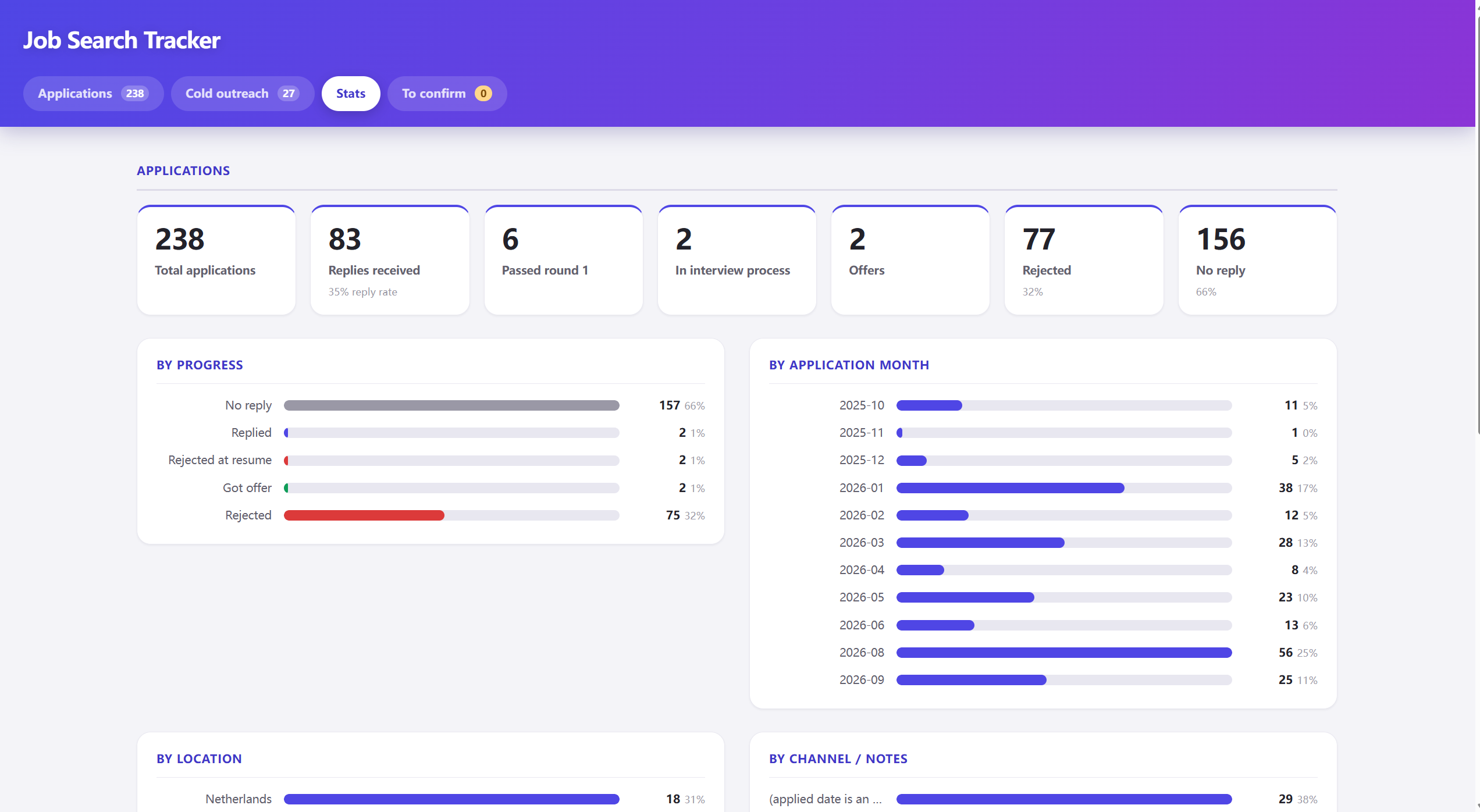
I planned how the data should be organized, then used Claude Code to build it into a real, working app. It now holds over 240 old records and shows me patterns a spreadsheet never could.
My job search data was a mess
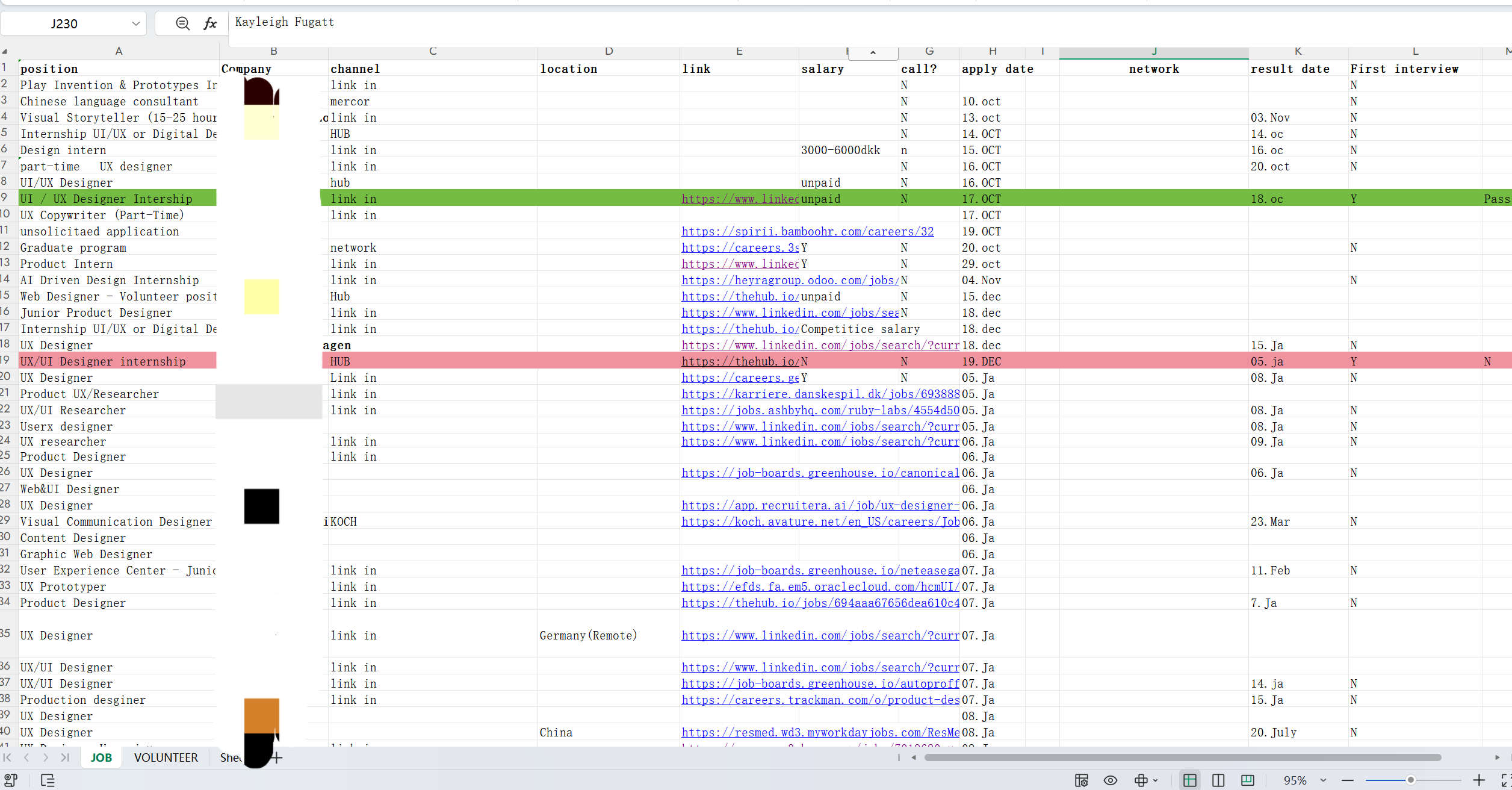
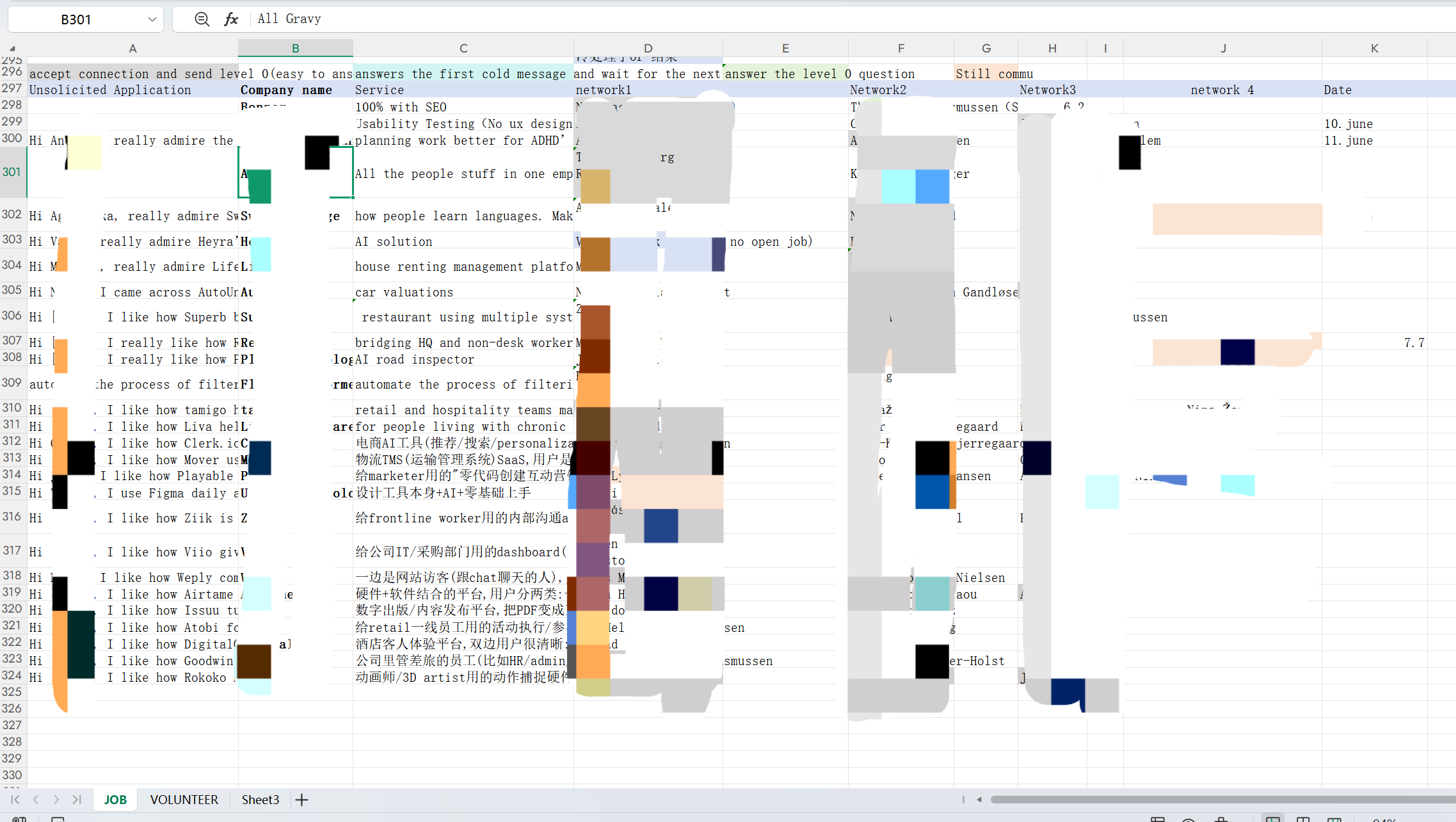
I was applying for jobs in five countries, in two different ways: applying directly to posted roles, and reaching out to small Danish startups that hadn't posted a role yet. I tracked both in one spreadsheet, and over a few months it turned into a mess — company names ended up in the location column, contact names sat where a location should be, and my outreach messages lived in their own section with no real structure.
So I couldn't answer a simple question: is cold outreach actually working better than applying to posted roles? I'd have to read through 300+ rows by hand just to find out.
Planning the structure before building anything
Before I touched any tool, I planned the structure myself. This part is mine — it doesn't depend on which tool builds it later. I split the tracker into two separate lists instead of one big table, because applications and cold outreach work differently and need different information.
List 1 — Applications
- Role, company, location, application link, date applied
- Contacts (up to 4 per company, each with their own note — so I can remember things like "this conversation stopped after this point")
- Passed round 1 (yes / no)
- Reply date, current stage, reason for rejection (if I know it)
List 2 — Cold Outreach (small Danish startups)
- Company name, what they do
- Contact date (when I first messaged them on LinkedIn)
- The message I sent
- Contacts (can be more than one per company, each with their own note on whether they replied)
Splitting it this way — two lists, with contacts as their own small list inside each row — was a design decision, not a coding one. It's the reason the finished tool made sense right away, instead of needing to be rebuilt later.
Building it with Claude Code
Once I had the structure, I used Claude Code to actually build the app — a simple backend and a web page I can open on my computer. I gave it the two lists above, along with my old spreadsheet, and one clear rule: if a row was unclear, flag it for me to check by hand instead of guessing.
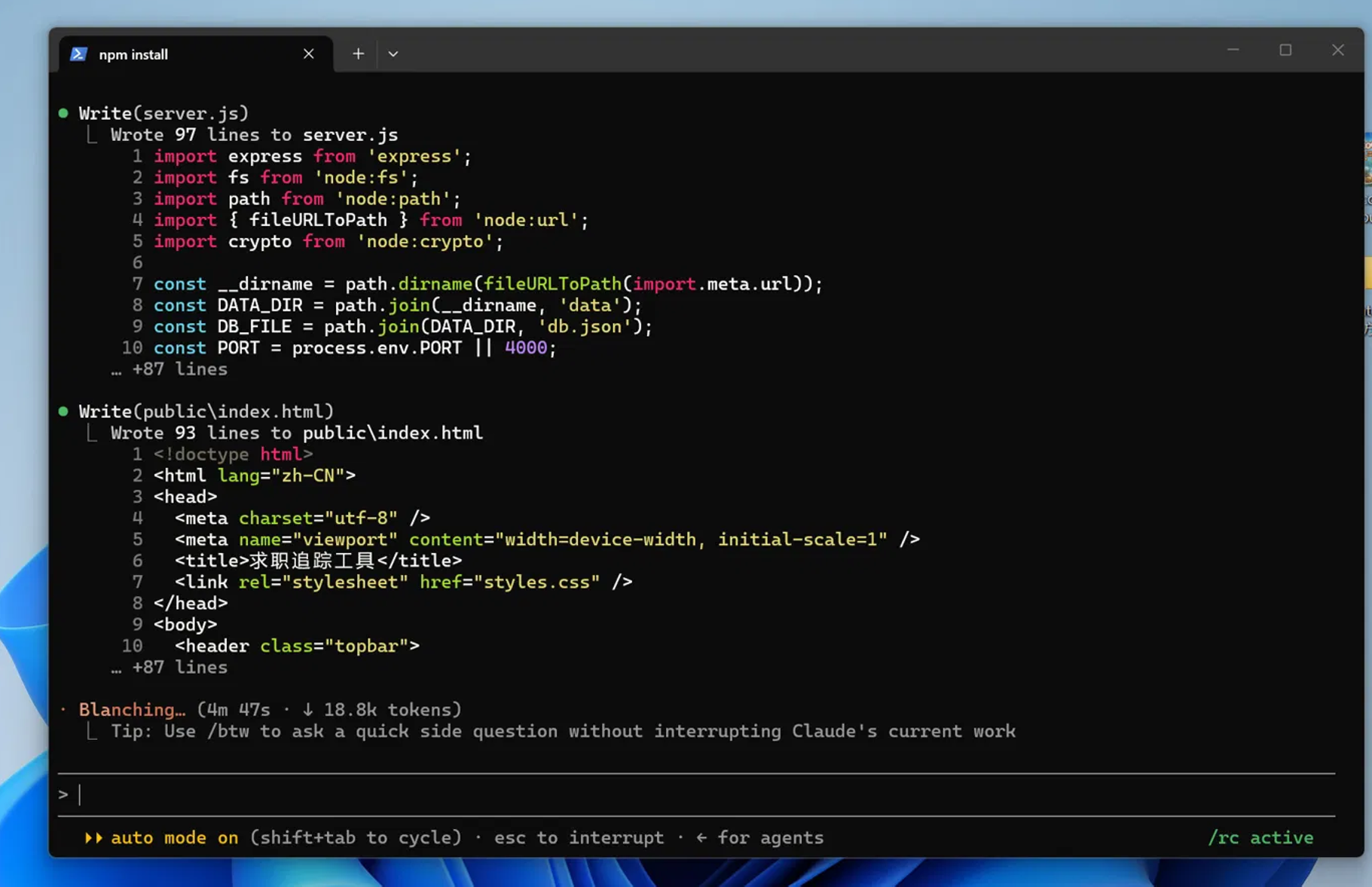
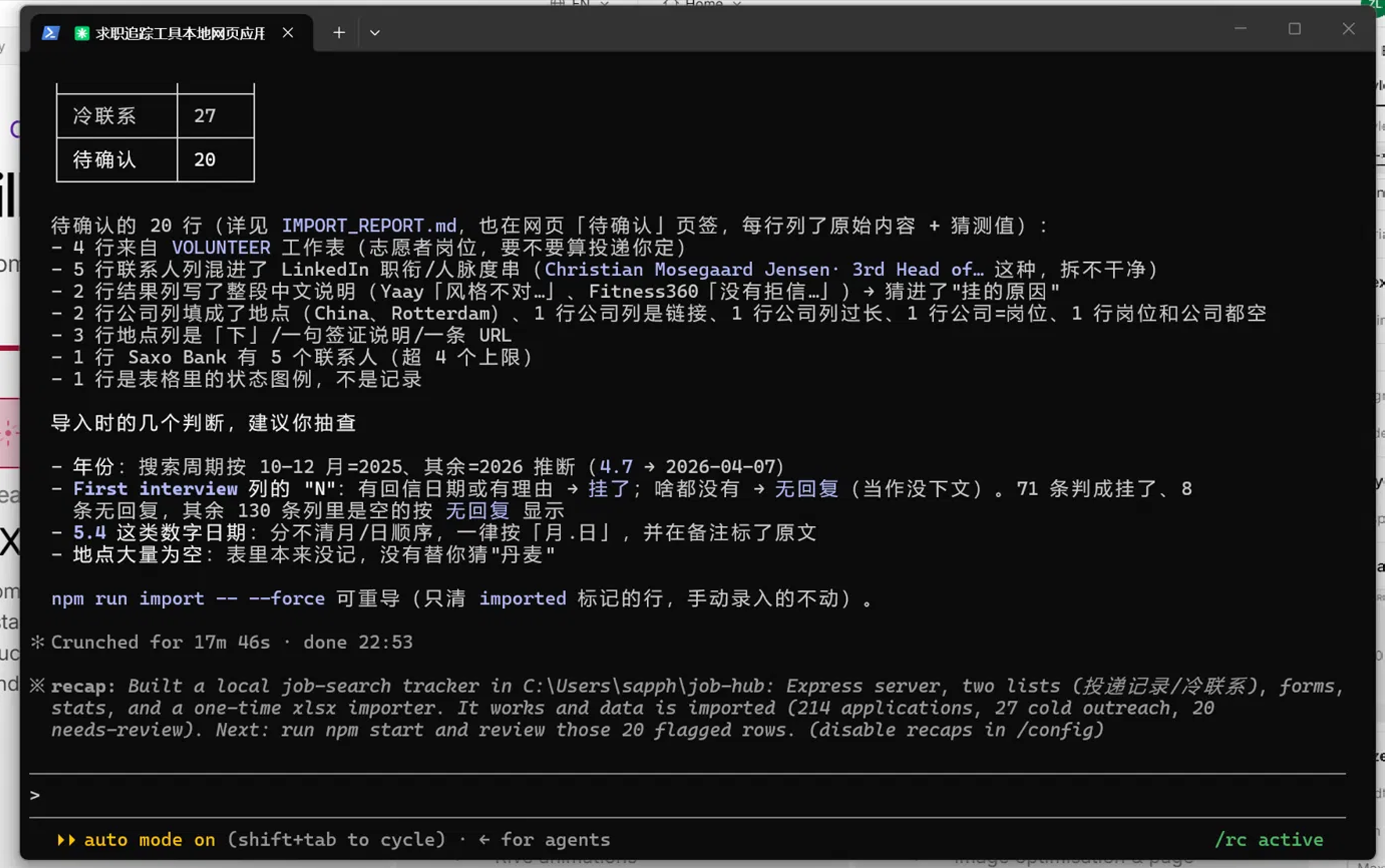
"Everything's built and tested... 214 applications, 27 cold outreach, 20 needs-review." — Claude Code's own completion summary
Turning messy rows into a tool I actually use
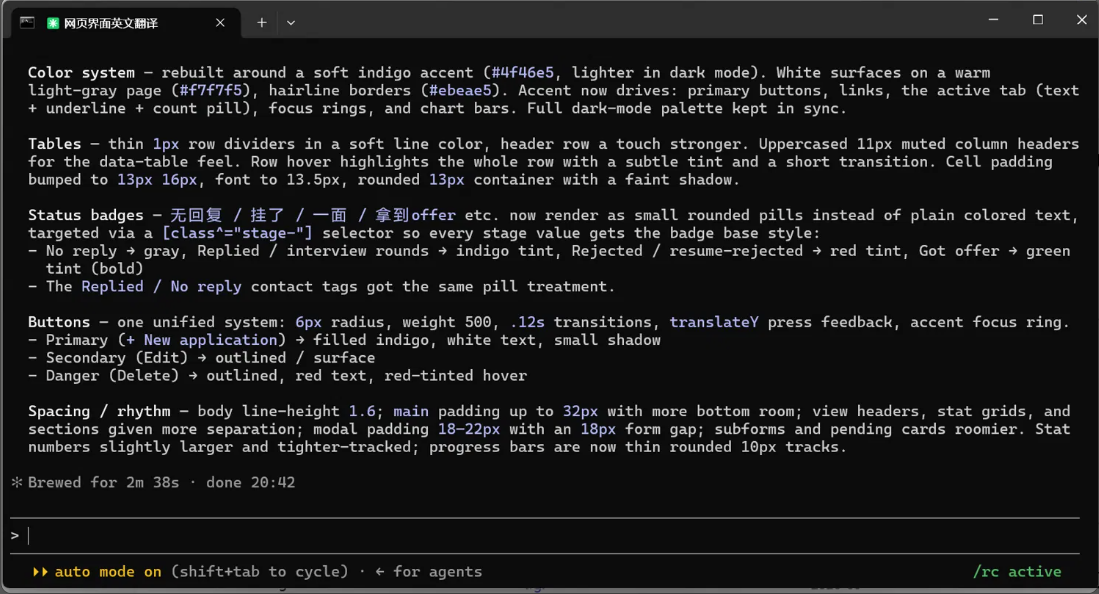
After importing my data, I also had Claude Code clean up how the app looked. Now it's something I check every day — not a spreadsheet I avoid opening.
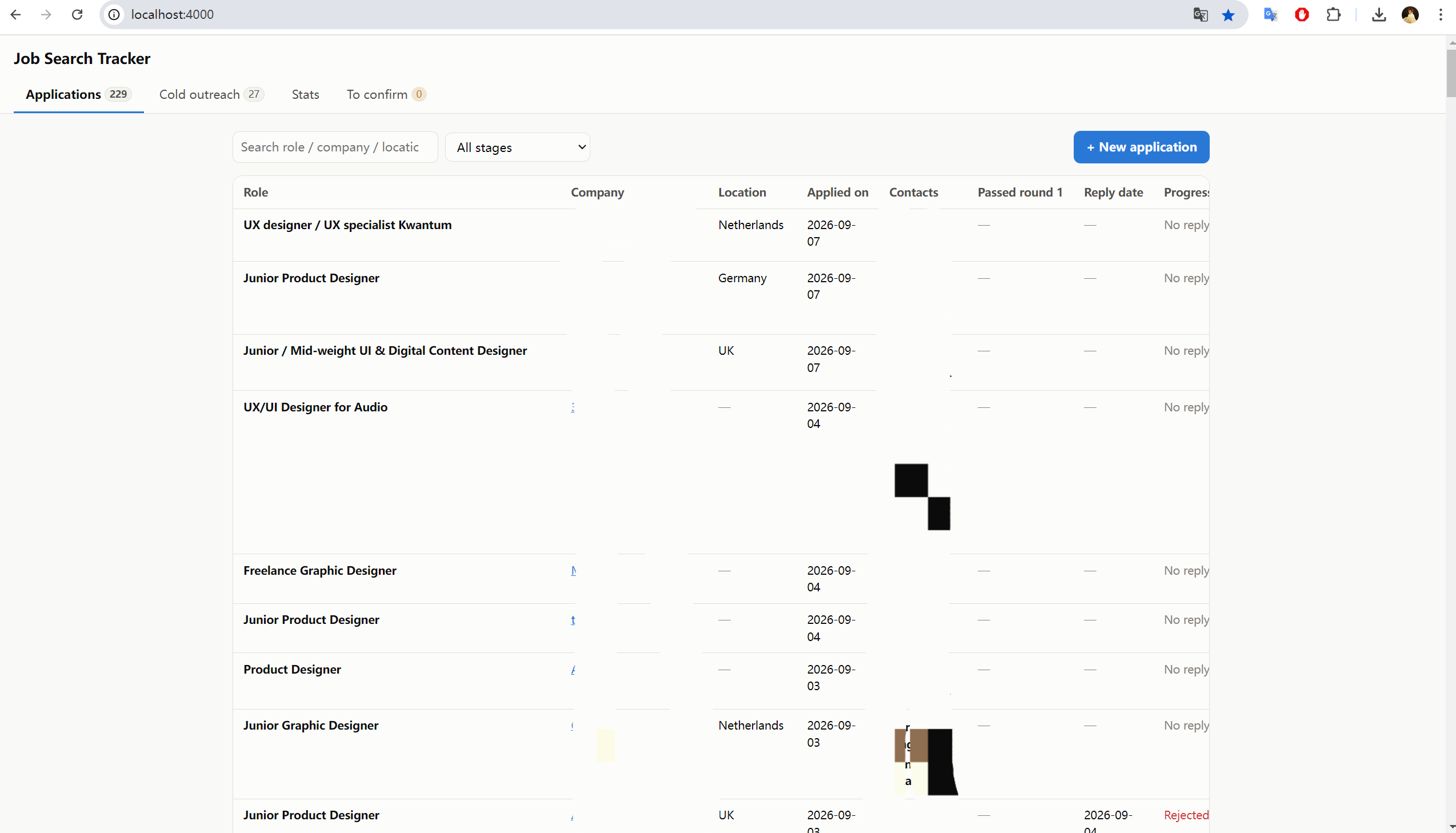
- Recovered 240+ old records from a spreadsheet I could barely use, and made them searchable
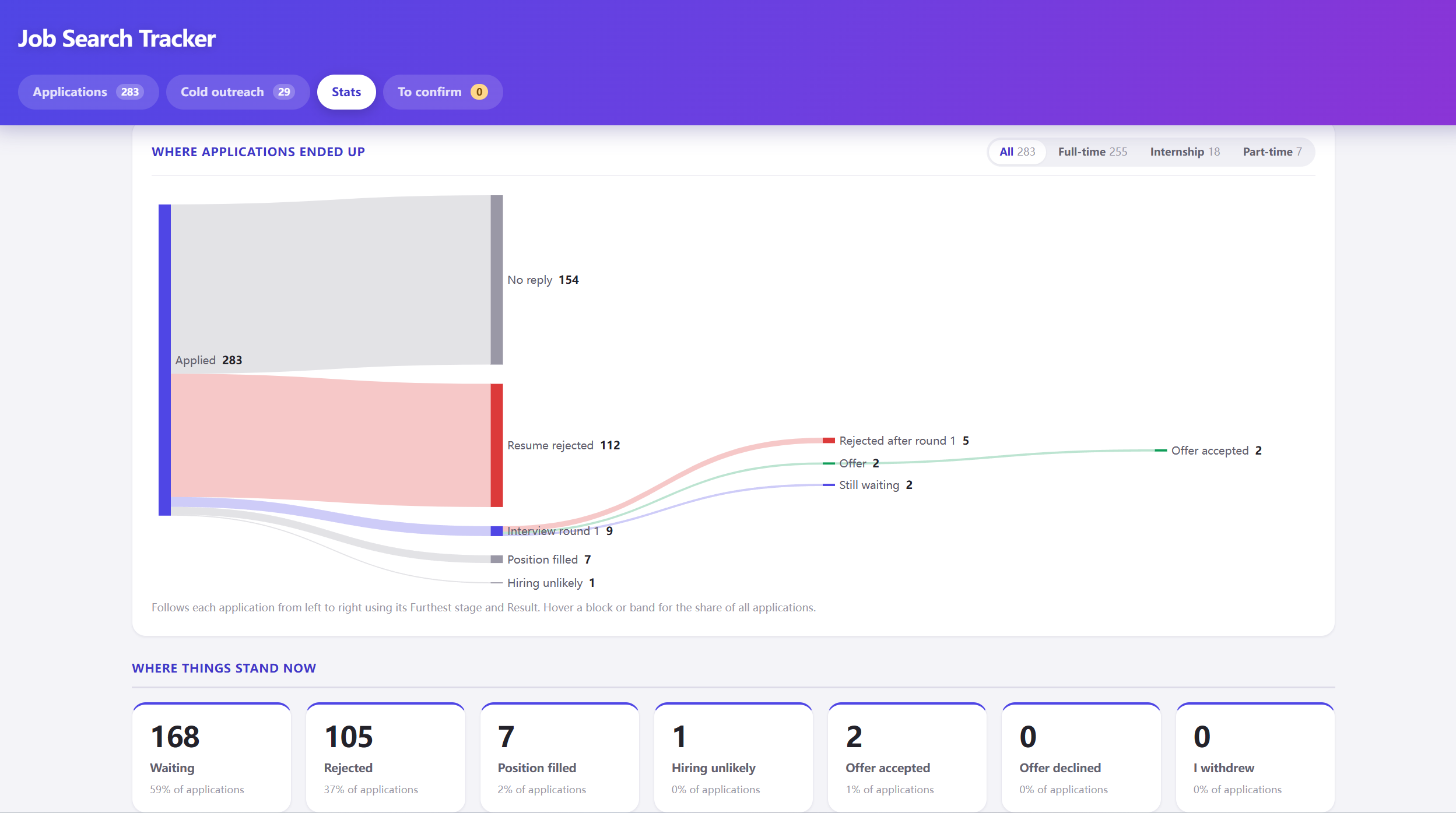
- Found patterns I couldn't see before — reply rate by month, by location, and by channel
- Replaced the spreadsheet with one simple form, so adding a new application now takes seconds
What this project really shows
This isn't a project about learning to code. It's about how I want to work from now on: I decide what a product should do and how it should look, then use AI tools to turn that idea into something real — in hours, not weeks, without needing a developer.
Next, I want to add a simple watchlist to the same tool — for companies I'm interested in, and events worth attending. It's a small addition to the same two-list idea, not a whole new tool.